
This was the first object we had to do for FreeCAD. I was able to fully finish it due to the step by step instructions that were provided. When doing this part, I felt confident in the assignment, since all I had to do was follow instructions.


The above FreeCAD pictures show object 2. For this assignment I based my object on the example that our professor showed, just that I changed the measurements and altered the object to do more than just hold the computer charge in place. I also made it into a container where you can put office supplies in, snacks, or even small trash. The only problem I ran into while doing this object was the fact that I don’t have a desk back home, so I had to use the dinner glass table, which is pretty thin compared to my actual desk back in Tallahassee.

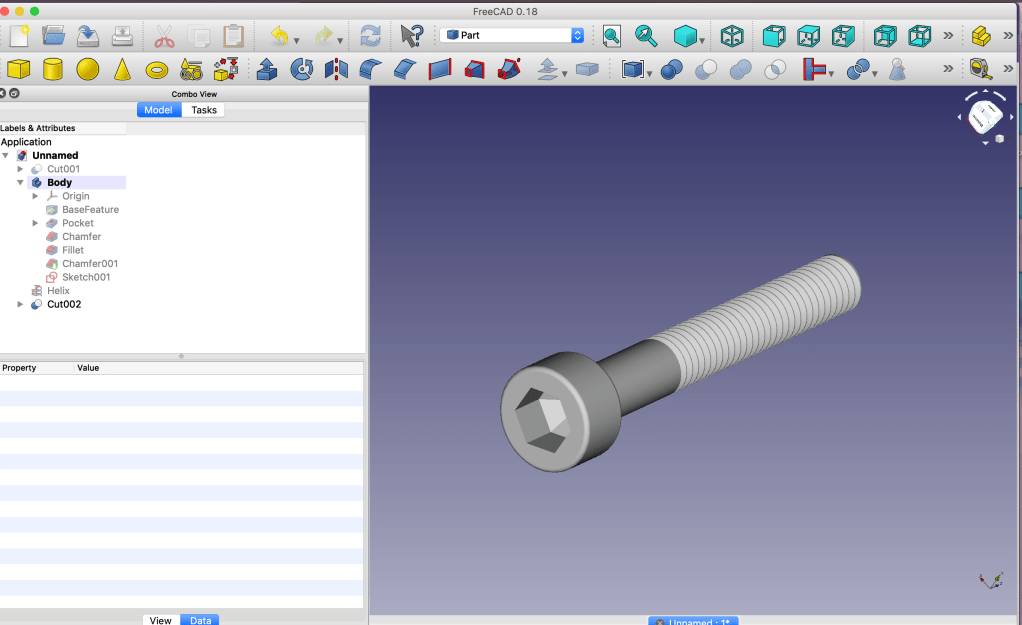
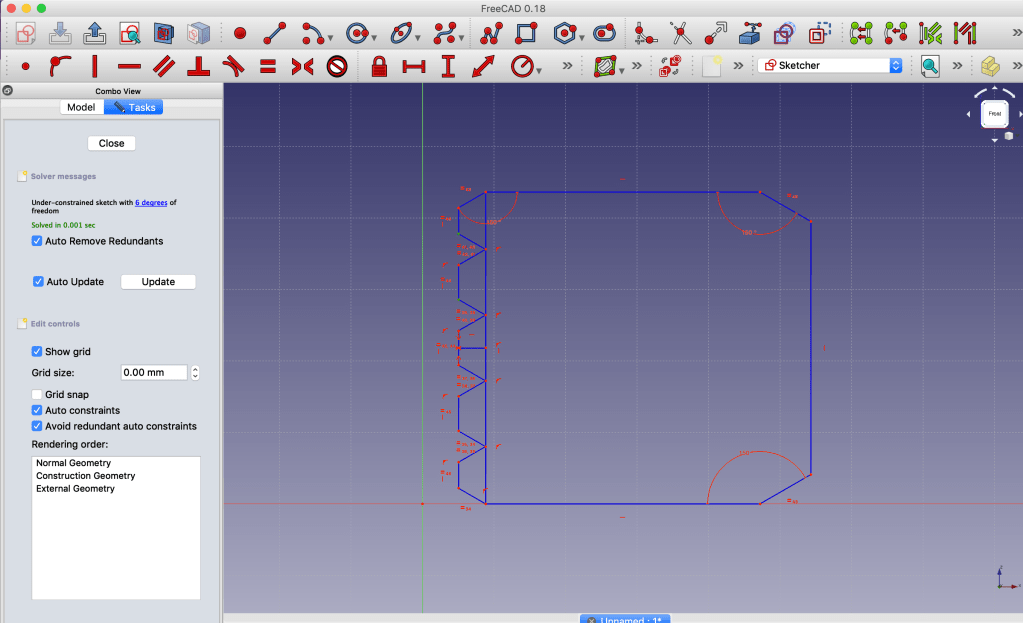
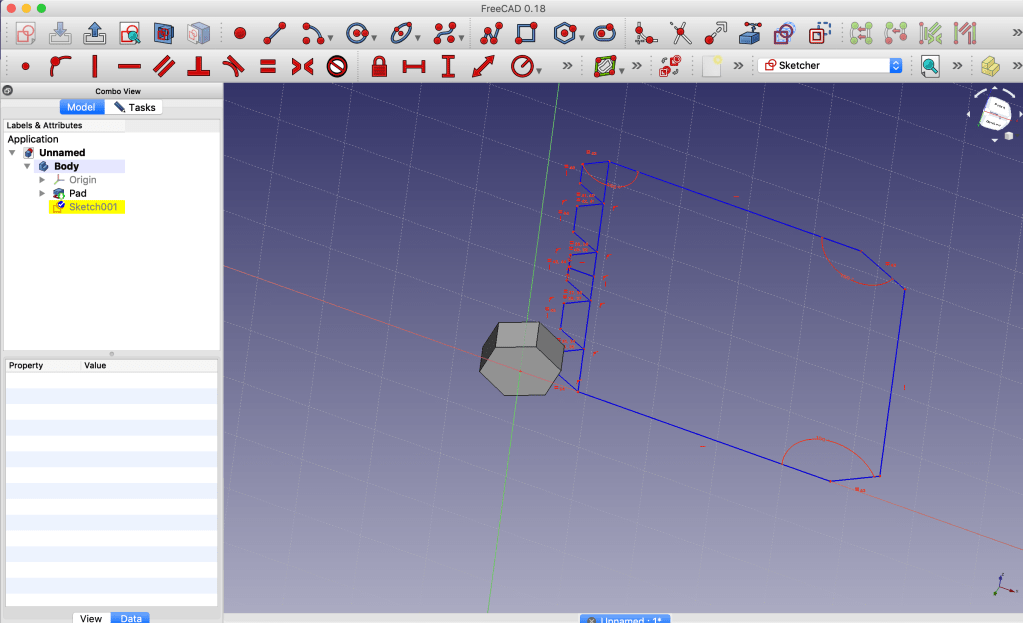
This was supposed to be object 3 for the FreeCAD assignment. I wanted to do a screw and then a screw-in bolt in which the screw can go in, however there were some complications. The screw I was able to do perfectly fine, with the help of a youtube tutorial, which I will post the link of below, but the screw-in bolt was where everything went downhill. I kept trying to do as the tutorial told me, I even started over many times in case I missed a step, however the same problem would occur. First came with the measurement constraint, which will mess up the whole shape when it was a major decrease, so I had to do it one by one. The second problem was trying to make the smaller, or at least lower it, it wouldn’t allow to do it. I even tried changing the measurements by using the constraints, but it will just mess everything up. I tried my very best, but it just became so frustrating and I didn’t where the problem was coming from, especially that i was doing everything exactly as the video.
Links: https://youtu.be/BobzR7ciTRw
 Joyse's Hard Life